Network analysis tools
Here are some tools for analysing your network.
Ping (flood mode)
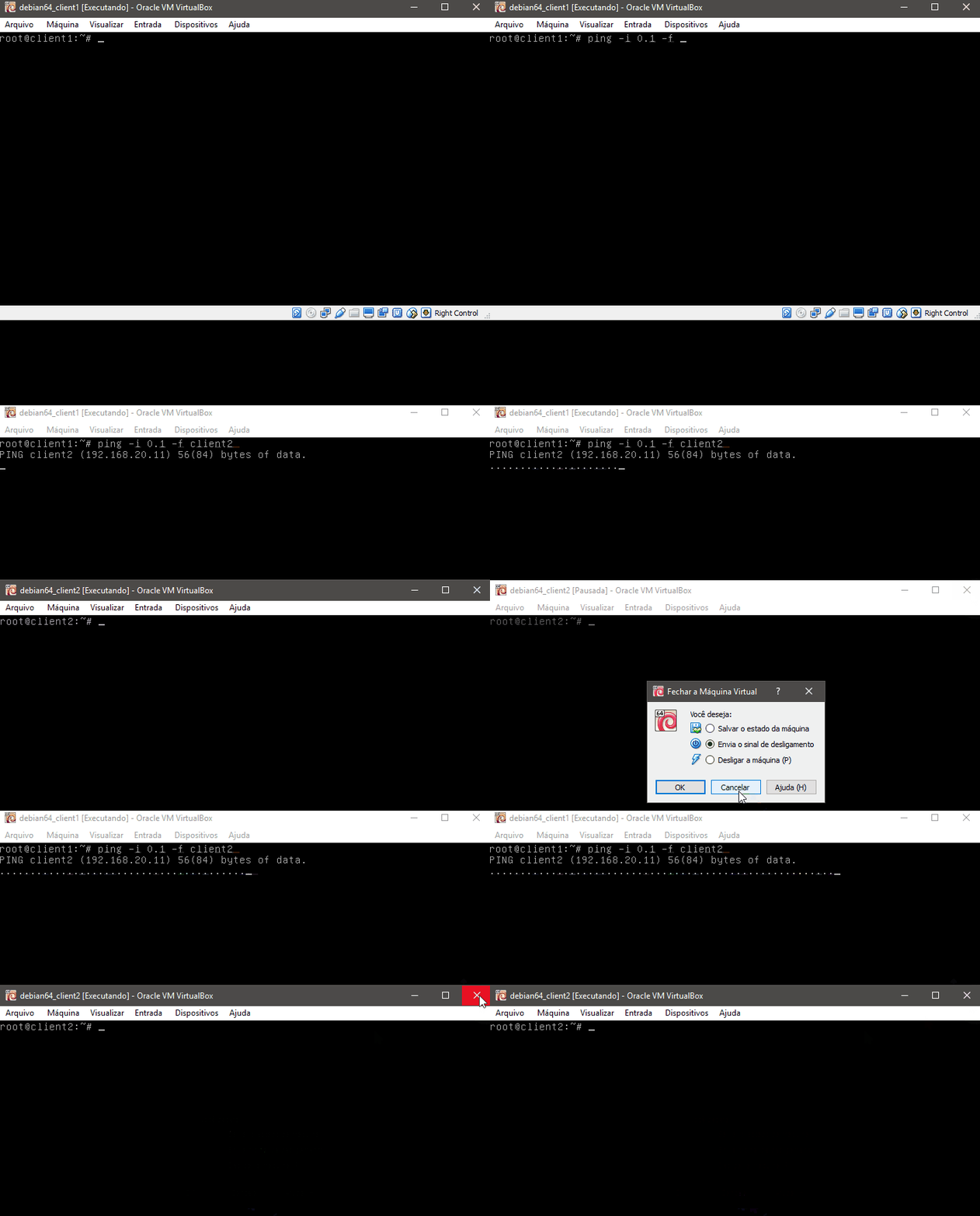
Have you needed to monitor a connection to a server and correlate it with another event while watching the terminals? Flood ping is the tool for the job. It sends pings at very short intervals so you can clearly see when failures happen. Run ping -i 0.1 -f destination; the -i parameter sets the ping interval.
MTR (traceroute + ping)
MTR combines traceroute with ping and is useful for finding problematic hops or routers. Run mtr destination to view the results.

Press D to switch to graph mode. It displays one dot per ping response; slower responses use a character that reflects the delay. A ? means there was no response. In the example above, a router does not answer pings and always drops the responses. You can create a report with -r instead of running the interactive, indefinitely timed analysis.
iperf (bandwidth test)
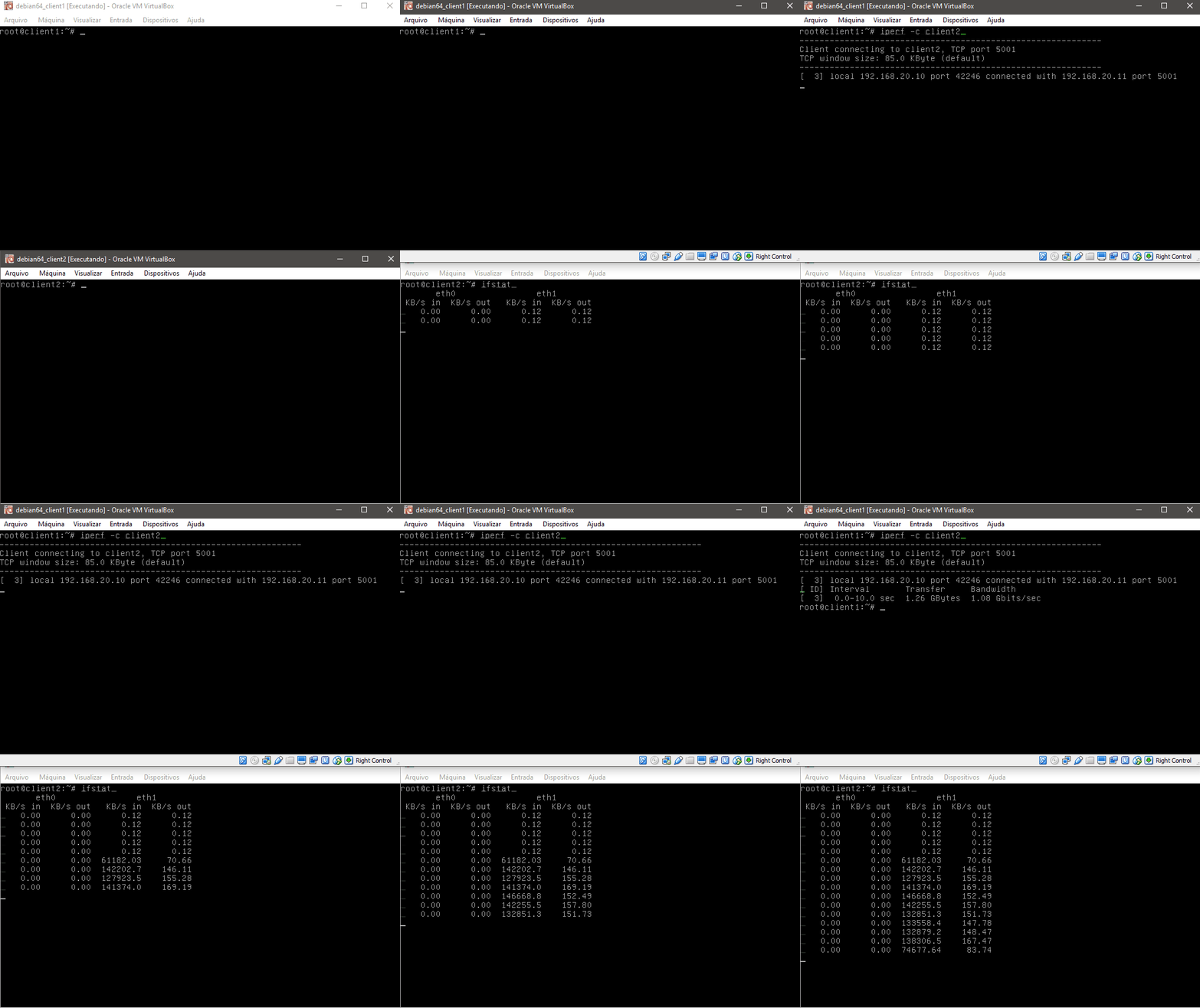
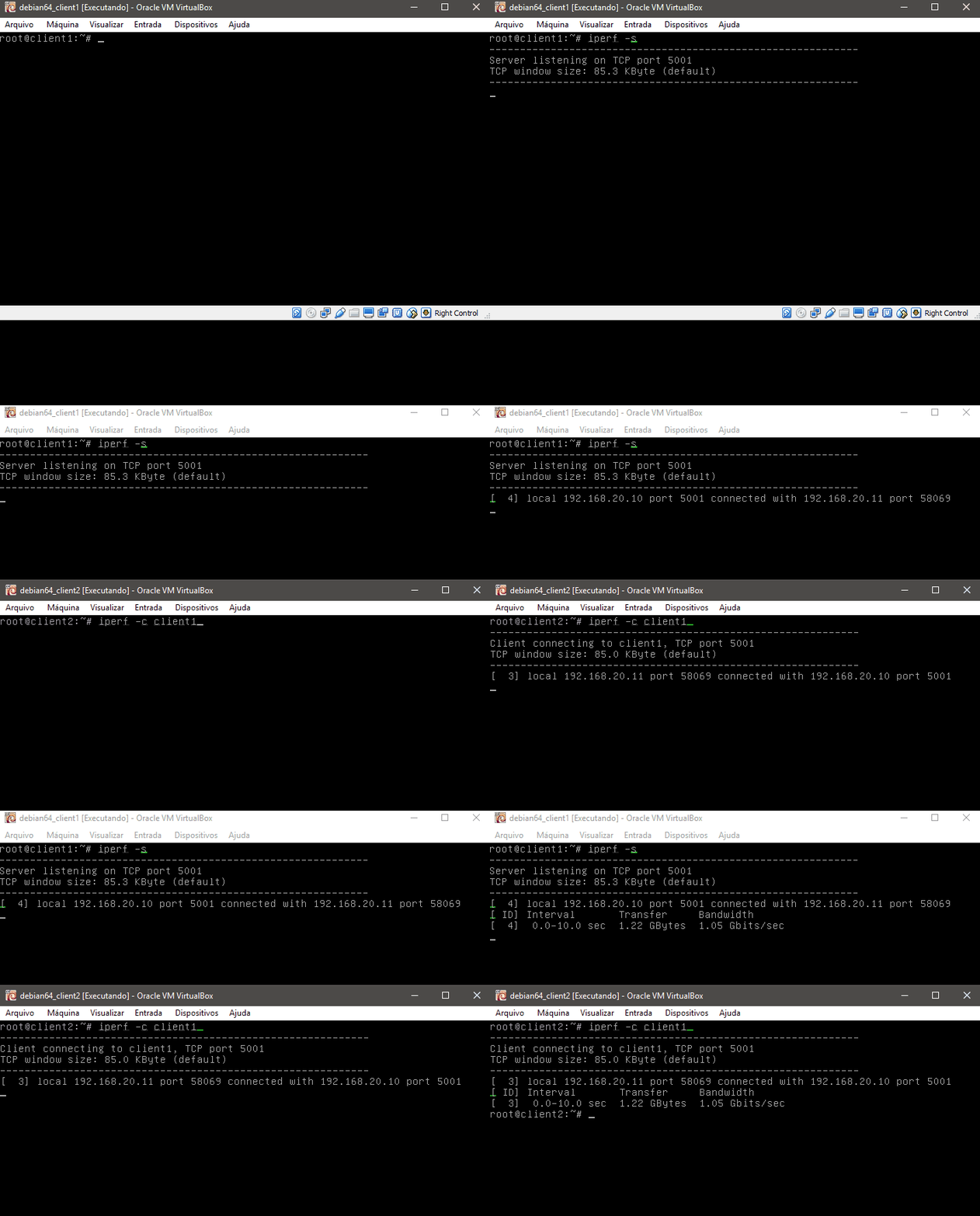
Have two machines but no idea what bandwidth is available between them? Run iperf -s on one machine and iperf -c ip.of.the.other.machine on the other to get a report of the available speed.
ifstat (network-usage monitoring)
Need to check the current usage of your network interfaces? Run ifstat and watch the traffic for each interface.